Buying Guide
Free PDF to video tools: where the free part stops
Some limits exist because rendering costs money. Others exist because someone wanted your email. They are easy to tell apart once you know what to look at.
The cost structure, plainly
Word counts, runtime estimates, and keyword extraction are arithmetic. They can run in a browser tab, they cost the provider nothing, and a tool that puts those behind a signup is collecting an email address rather than covering an invoice.
Anything with a model in it is different. Reading a document through a language model, synthesising speech, and rendering video all consume server time — rendering most of all, since a ten-minute 1080p video is meaningful compute. Nobody gives those away without a limit somewhere.
So the test is not whether a tool asks you to sign in. It is whether the thing behind the sign-in actually costs the provider anything. A word counter behind a login is marketing; an AI summary behind one is arithmetic.
The four shapes a free tier takes
Almost every product in this category picks one of these, and each has a different failure mode for you.
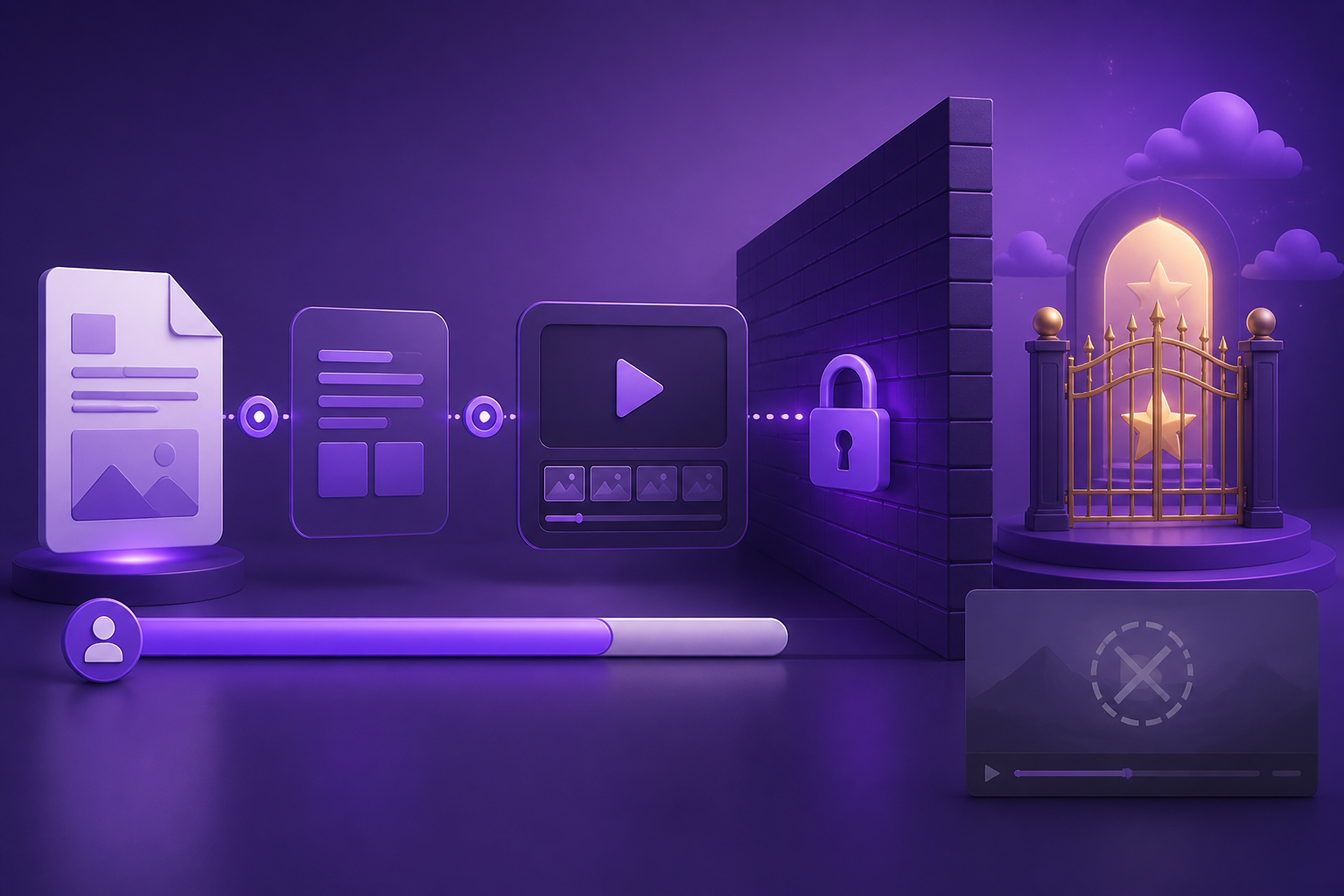
- Watermark — you get the full video with a logo burned in. Useless for client work, fine for testing.
- Duration cap — usually 30 to 60 seconds, which is under the length of a single scene from a real report.
- Credit allowance — a few minutes of render per month. The most honest model, and the easiest to plan around.
- Email wall — the tool is free but you cannot see the output until you hand over contact details.
How to get real value out of a free tier
Do all the scripting work before you spend a render credit. Decide the cut, generate and check the narration, fix the runtime. Script and storyboard tools exist precisely for this, and using them means your first render is close to final rather than a draft you re-render three times.
Then render the shortest useful thing. A three-minute cut of the argument is more shareable than a twenty-minute walkthrough anyway, and it fits inside almost every free allowance.
What we gate, and why
Our tools ask for a free Google account, and it is worth being precise about why. Every one of them does real work on our servers: extraction runs the same parser our video pipeline uses, and the summariser, script writer, and storyboard builder each read your whole document through a language model. Narration is a genuine speech synthesis. None of that is free to run, so none of it is anonymous.
What we do not do is hold the output hostage. There is no watermark on text, no page cap, and no partial result you have to pay to finish — sign in and everything you generate is yours to copy, download, and use elsewhere.
Frequently Asked Questions
Is there a genuinely free PDF-to-video converter with no watermark?
For short videos, several services include a small watermark-free allowance. For sustained output, no — rendering has a per-minute cost that someone has to cover. Treat unlimited watermark-free claims as a reason to check the terms.
Why do free tools ask for an email before showing results?
Sometimes because the work genuinely costs them something — anything with a model behind it does. Sometimes because the result is leverage and the email is the product. The way to tell them apart is to ask what is actually running: a word count is not expensive, and a login in front of one is not about cost.
What is the most useful thing to do inside a free tier?
Finalise the script and the cut before rendering anything. Most wasted free credits go on re-rendering a video whose script was not finished.