Format
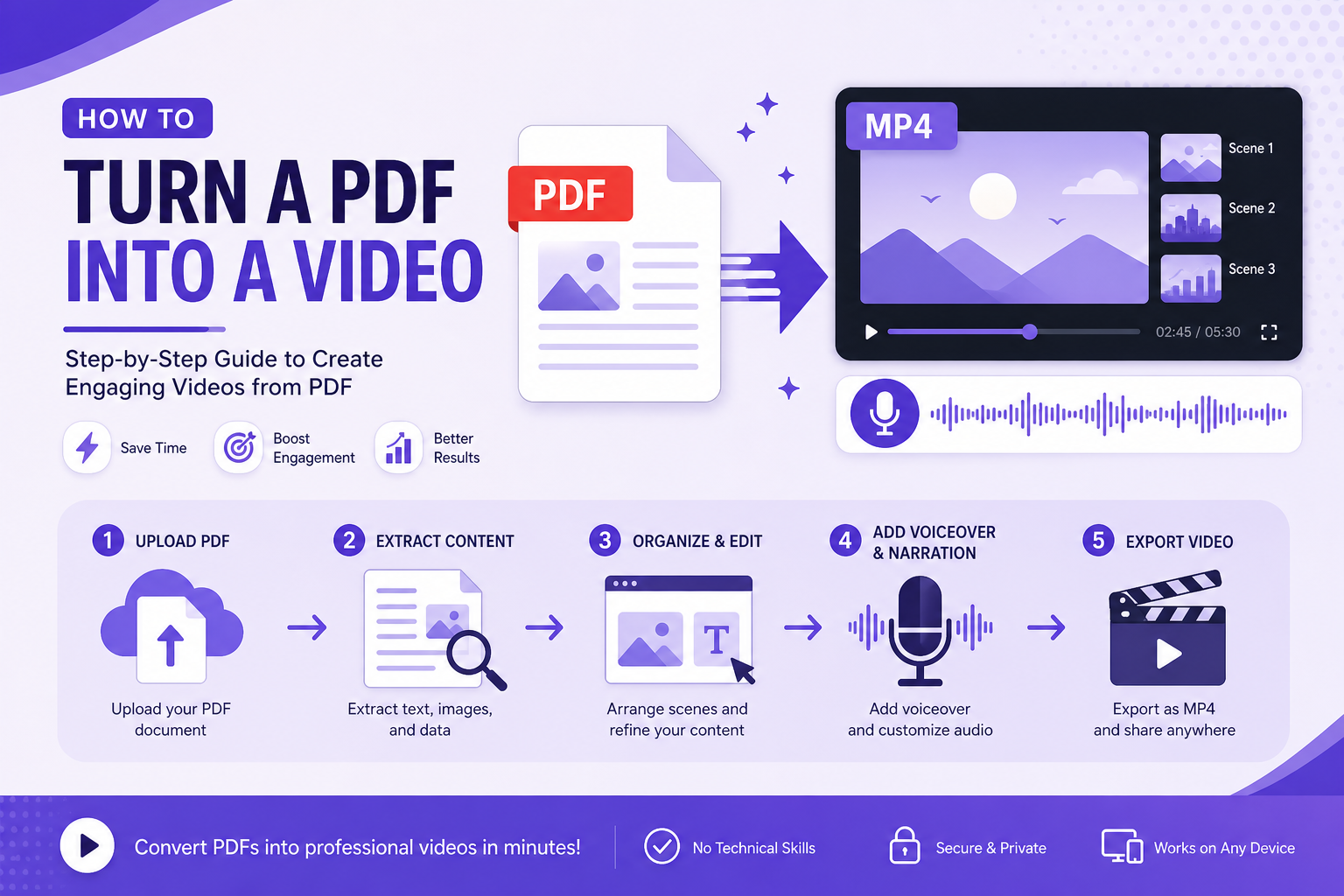
Turn a PDF into a video slideshow
The slideshow is the right format for most documents. It is also the format most tools get wrong, in two specific and fixable ways.
Why the slideshow is the right default
For a document, the slideshow beats every alternative. It is cheap to produce, it survives being watched on mute with captions, it re-cuts easily into clips, and it does not require anyone to appear on camera. For a report, a paper, or a deck, it is close to the ideal format.
The reputation problem comes from tools that produce a slideshow of the document rather than a slideshow from it. Those are different artefacts and only one of them works.
Mistake one: the paragraph on the slide
Auto-generated slideshows put the source paragraph on screen and then narrate the same paragraph. The viewer reads at roughly 240 words per minute, the narrator speaks at 150, so the viewer finishes first, has nothing to do for the remaining seconds, and disengages. Do that for twelve slides and they leave.
A slide should hold a headline and two or three condensed lines. The narration carries the rest. Same source, two registers — the viewer reads the claim while hearing the reasoning, which is the only arrangement where both channels are doing work.
- Headline: the section's own heading, as written.
- On screen: two or three lines, each under about fifteen words.
- Narration: the full prose for that section.
- Never: the same words in both places.
Mistake two: the fixed hold
Set every slide to eight seconds and half of them linger over nothing while the other half cut away mid-sentence. Fixed timing is the default in most slideshow makers because it needs no understanding of the content, and it is the single biggest reason auto-generated slideshows feel mechanical.
Pace each slide by the length of its own narration instead. A slide with one line and a slide with a paragraph should not share a duration, and a human editor would never give them one.
Getting the figures in
Your document's charts are the strongest visual asset you have, and the reason a slideshow from a report beats a slideshow from a blog post. Place each figure on the slide that discusses it, hold it slightly longer than the narration needs, and let the narration point at the specific thing to look at rather than describing the chart in general.
One caution: a chart designed for print has small type and dense gridlines. Crop to the part that matters and increase the label size, or the figure is present but unreadable, which is the same as absent.
One document, three shapes
The same storyboard should produce a landscape version for YouTube and your site, a vertical version for Shorts and Reels, and often a square one for feeds. Vertical fits an extra on-screen line and needs larger type; otherwise the content is identical.
Planning all three at storyboard stage costs nothing. Retrofitting a vertical cut from a finished landscape video costs an afternoon.
Frequently Asked Questions
How long should each slide be on screen?
As long as its narration takes, with a floor of about three seconds so nothing flashes past. For a typical section that lands between eight and twenty seconds.
Can I make a slideshow video from a PDF without PowerPoint?
Yes. Going PDF to PowerPoint to video adds a conversion step that mangles layout, and you only need it if you want editable slides as a separate deliverable.
How many slides should a document become?
Roughly one per section, split further wherever a section runs past about ninety words of narration. A twelve-page report usually lands between fifteen and twenty-five slides.