Converters
PDF to PowerPoint, or PDF to video?
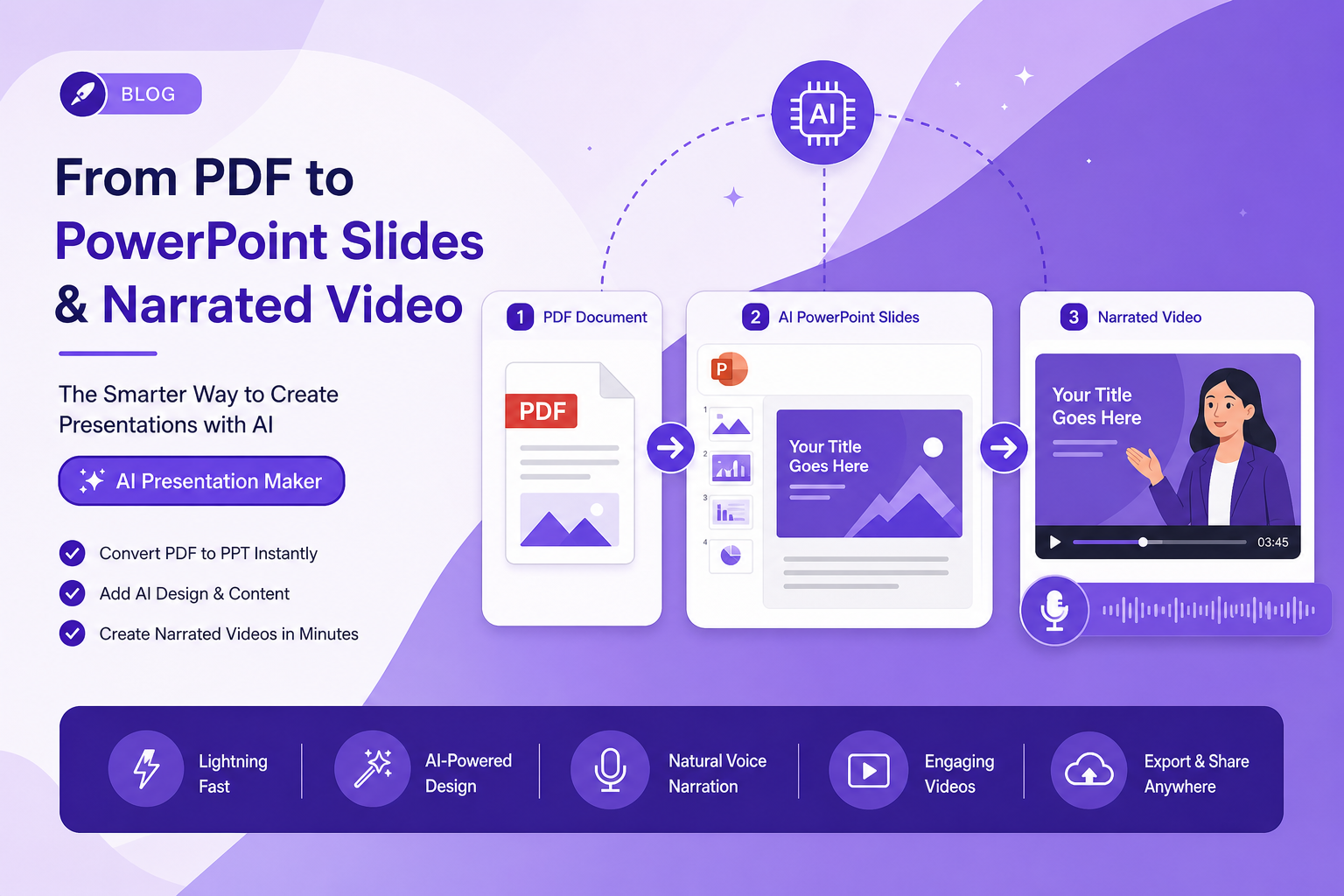
Most people converting a PDF to PowerPoint do not want a deck. They want the content in a format someone will engage with, and a deck is only one of the options.
What PDF to PowerPoint conversion actually gives you
Every converter in this category does roughly the same thing: it reads each PDF page and reconstructs it as a slide by placing text boxes and images at the coordinates where the glyphs were. When the source PDF was exported from PowerPoint in the first place, this works well. When it was exported from InDesign, Word, or LaTeX, it produces a slide full of individually positioned text fragments that look right and are miserable to edit.
That is the honest state of the art. If you have ever converted a PDF, opened the deck, and found that changing one sentence required moving nine text boxes, that is why — the converter had no paragraph structure to work from, only glyph positions.
- PDF originally exported from PowerPoint — conversion is close to lossless.
- PDF from Word — usable, with formatting cleanup.
- PDF from a design tool or LaTeX — technically converted, practically unusable for editing.
- Scanned PDF — needs OCR first; conversion alone gives you slides containing pictures.
The question worth asking first
Do you need editable slides, or do you need the content in a format people will engage with? These sound similar and lead to completely different work.
If you need to present the material live, hand it to a colleague to adapt, or merge it into a bigger deck, you need editable slides and PDF-to-PowerPoint is your route — accept the cleanup.
If you need to send it to people who will not attend a presentation, the deck is an intermediate artefact you will then have to do something else with. Converting a PDF to a deck so you can send the deck is a step sideways: a deck emailed to someone is a document with worse typography than the PDF you started from.
Why the deck-by-email path fails
A slide deck is scaffolding for a person talking. Strip the person and you get a document that deliberately withheld most of its content, because the presenter was going to say it. That is why decks sent without a presenter get skimmed in twenty seconds and why 'can you send the deck' so often ends a conversation.
The fix is to put the presenter back, which is what a narrated video is: the slides, plus the person who was going to explain them, in a form that plays on a phone at 11pm.
Going straight from PDF to video
If the destination is a video, PowerPoint is an unnecessary stop. Each conversion loses structure, and you are converting twice — PDF to deck, deck to video — to end up somewhere you could have reached directly.
Going direct also means the video is built from the document's headings and paragraphs rather than from reconstructed text boxes, so the scene breaks land where the argument turns rather than where a page happened to end.
When you genuinely need both
Plenty of teams do: a deck for the sales conversation, a video for everyone who did not get one. Build the video from the source document rather than from the converted deck, and keep the document as the single source of truth. When the numbers change you update one thing and regenerate, instead of reconciling three artefacts that have drifted apart.
Frequently Asked Questions
Is there a free PDF to PowerPoint converter that keeps formatting?
Several are free for a few files a day, and all of them hit the same ceiling: formatting survives well only when the PDF came from PowerPoint originally. No converter can recover structure the PDF never stored.
Can I convert a PDF straight to a video presentation?
Yes, and it avoids the double conversion. The document is parsed into scenes, narrated, and typeset directly — PowerPoint is not involved.
Which is better for a client who will not attend a call?
Video, comfortably. A deck without a presenter omits the explanation on purpose; a narrated video is the deck with the explanation attached.
Does converting to PowerPoint first improve the video?
No — it degrades it. Each conversion discards structure, and the video pipeline works better with the document's original headings and paragraphs than with reconstructed text boxes.