Method
Screen-recording your deck vs rendering it
Recording wins on speed for a one-off. It loses badly the moment anything needs changing, which for most documents is within a fortnight.
What recording is genuinely better at
A screen recording is done in the time it takes to talk through the document, which is unbeatable. It carries your voice, your hesitations, your asides — and for an internal explainer or a reply to one client, that informality reads as candour rather than sloppiness.
It also handles content no renderer understands: a live dashboard, a spreadsheet you are manipulating, a prototype you are clicking through. If the thing you need to show is interactive, record it.
The costs that show up later
A recording is a single take welded together. Change one number and you re-record the whole thing, because you cannot edit the middle without an obvious seam. Documents change: a figure gets revised, a date moves, legal asks for a caveat.
It also does not translate, does not caption well without a transcription pass, does not re-cut into vertical clips, and does not survive being watched on mute — which is how most feed video is watched.
- Re-record cost per change: the full runtime, every time.
- Vertical cut: a manual crop that puts your cursor somewhere strange.
- Other languages: a new recording per language, or subtitles over an English voice.
- Mute viewing: a person talking over a scrolling PDF, silently, is nothing.
Where the crossover sits
Roughly: record it if the audience is under about ten people, the content is interactive, or the video is disposable within a month. Render it if the video is public, will need updating, needs another language, or has a vertical sibling.
The second list describes almost everything a marketing, research, or education team publishes, which is why teams that start by recording usually stop within a quarter — not because the recordings were bad, but because maintaining them was.
The hybrid most teams land on
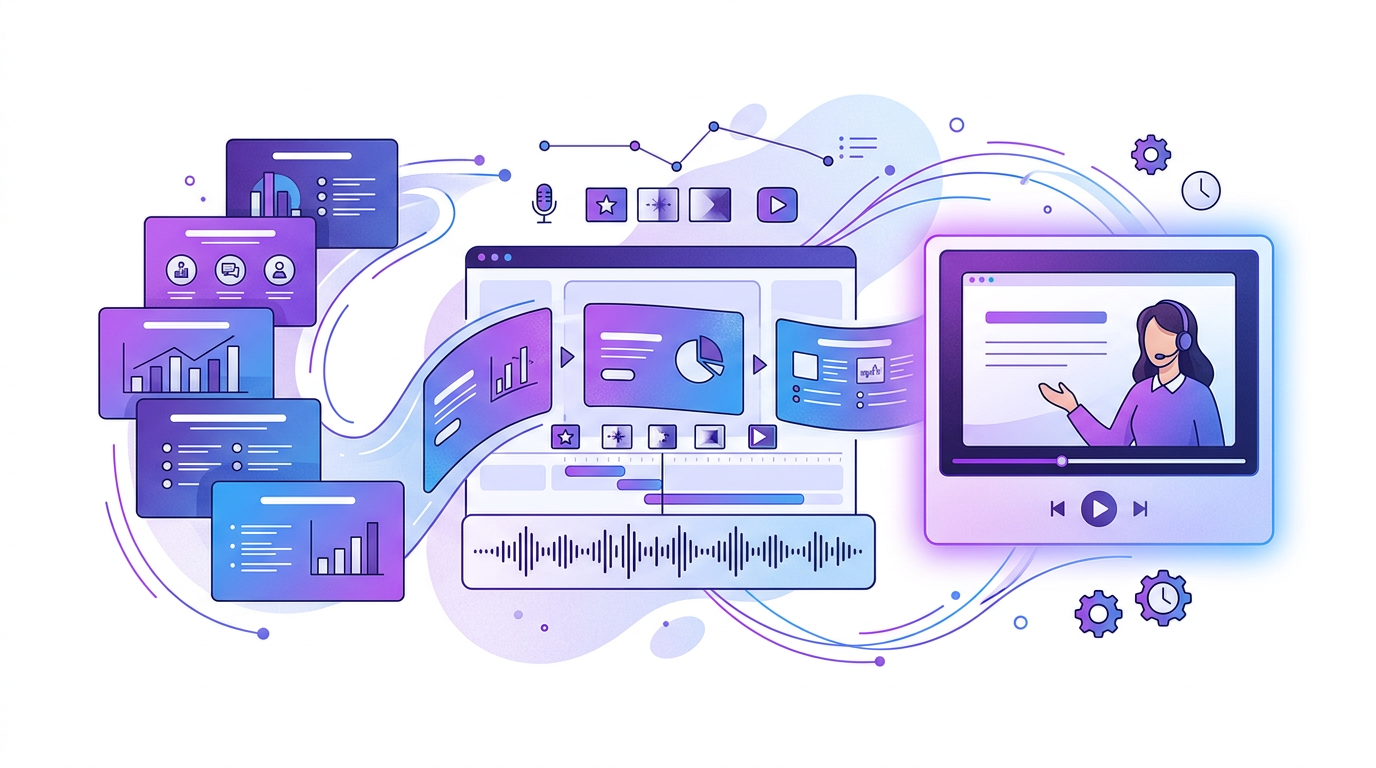
Record the parts that are genuinely live — the demo, the walkthrough, the interactive bit — and render the parts that come from documents. The rendered sections update in place when the document changes, and the recorded sections stay put.
This is also the arrangement that survives a colleague leaving. A rendered section can be regenerated by anyone from the source document; a recorded section requires the person whose voice is on it.
Frequently Asked Questions
Does a rendered video look less authentic?
It looks more produced. Whether that reads as less authentic depends on context — for a personal update, yes; for a research summary or a product explainer, produced is what viewers expect.
Can I use my own voice in a rendered video?
Yes. Recording narration against a rendered visual track keeps your voice while keeping the visuals editable, which removes most of the re-record problem.
What about just recording a Zoom walkthrough?
Fine for internal use. For anything public, the video call framing, background noise, and compression artefacts all signal disposable, and viewers treat it accordingly.