Disambiguation
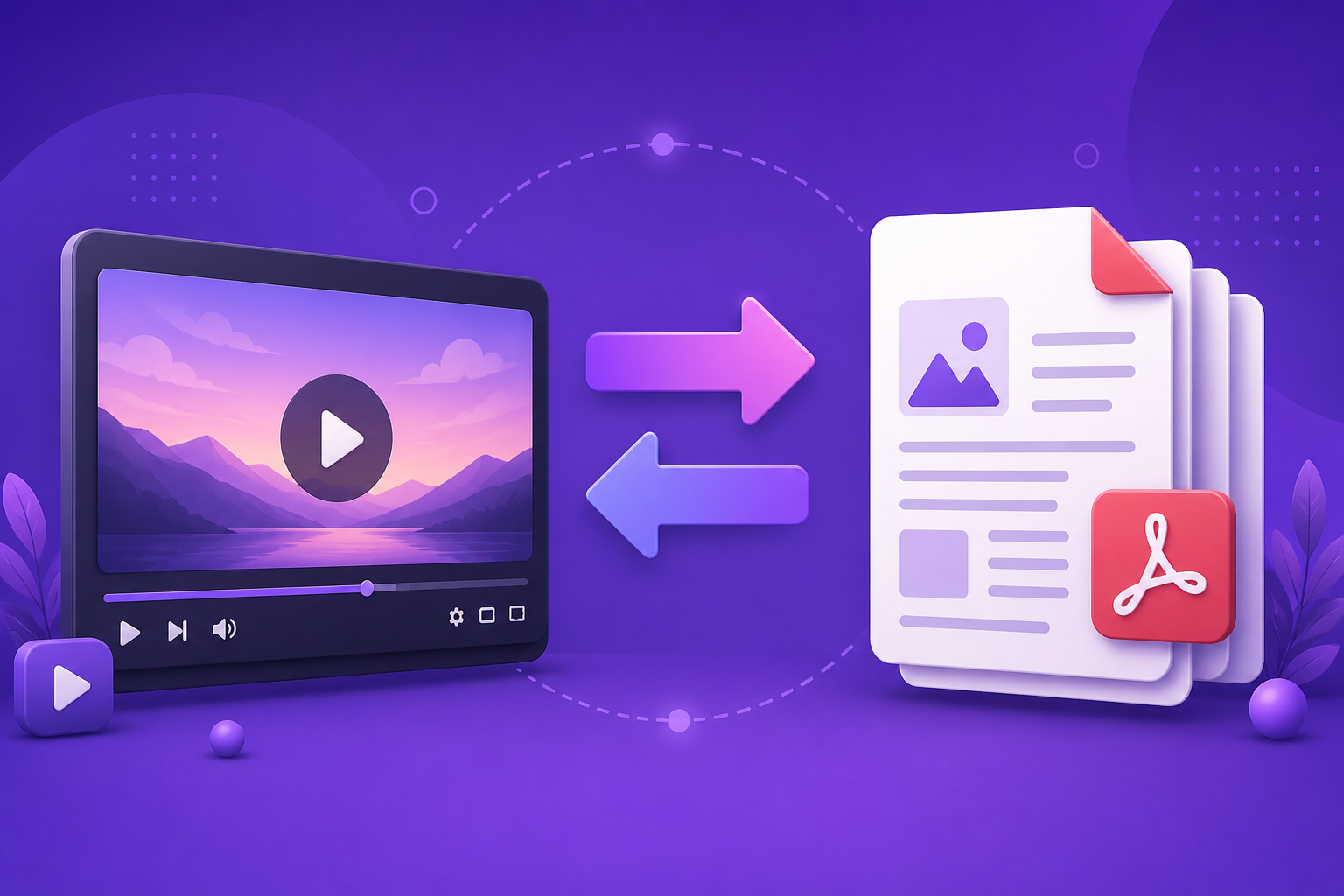
Video to PDF, or PDF to video?
These get searched interchangeably and almost nobody wants both. Five minutes here saves an afternoon in the wrong tool.
Video to PDF: what people usually mean
Almost nobody wants a literal conversion of a video file into a PDF file. What they want is one of three specific things, and naming which makes the tool choice obvious.
- A transcript — the spoken words as searchable, quotable text. This is speech recognition, not conversion.
- Slides recovered from a recording — key frames extracted as images and assembled into a document. This is frame extraction.
- Notes from a lecture or webinar — a summary of the transcript, structured into a study document.
How to do each of them
For a transcript, use speech recognition — YouTube produces one automatically for anything you upload, and it is free and reasonable. Copy it out and clean it up.
For slides from a recording, key-frame extraction tools scan for scene changes and export those frames. Expect duplicates wherever a presenter animated a bullet list, and expect to delete about a third.
For notes, transcribe first and summarise second. Going straight from video to summary skips the artefact you will want when you need to check a quote.
PDF to video: the opposite job
This starts from a document that exists and is not being read, and produces something watchable. It is not archival, it is distribution — the goal is that the argument reaches people who were never going to open a fifteen-page PDF.
The two directions therefore have opposite success criteria. Video to PDF succeeds when nothing is lost. PDF to video succeeds when the right things are lost: the appendix, the methodology, the caveats, everything that is not the finding and its evidence.
Telling which one you need
Ask what already exists and who the output is for. If a recording exists and you need it searchable, referenceable, or studyable, you want video to PDF and you want fidelity. If a document exists and you need it seen, you want PDF to video and you want selection.
The mistake that costs the most time is starting the second job with the first job's mindset — narrating a document faithfully end to end, producing a forty-minute video nobody watches, and concluding the format does not work.
Frequently Asked Questions
Can you convert a video file to a PDF file?
Not meaningfully — a PDF cannot hold motion. What is possible is extracting frames, a transcript, or a summary into a PDF, which is what almost everyone searching for this actually wants.
How do I get slides out of a recorded presentation?
Key-frame extraction, which detects scene changes and exports those frames. Budget time to delete duplicates from animated builds.
Which direction preserves more information?
Video to PDF, by design — it aims for fidelity. PDF to video deliberately discards, because a faithful narration of a long document is a video nobody finishes.